The whole pool, in the owner's hand
A pool runs on a multiple individual pieces of equipment: pumps, heaters, lights, and the chemistry that keeps the water safe. Hayward puts control in the owner's hands.
Designed for the everyday owner
Everything the equipment could do already existed, but an average owner couldn’t use it. Controlling your pool meant dealing with a wall-mounted unit and knowing which piece of hardware did what.
An audit of the wall unit surfaced four problems: navigation, scheduling, component behavior, the interface itself. All four were design problems.
I researched what an owner touches daily
I explored the handful of things an owner does every day and designed those first. Everything else the app can do sits behind them, because an owner opens it to change one thing and leave, not to browse the hardware.
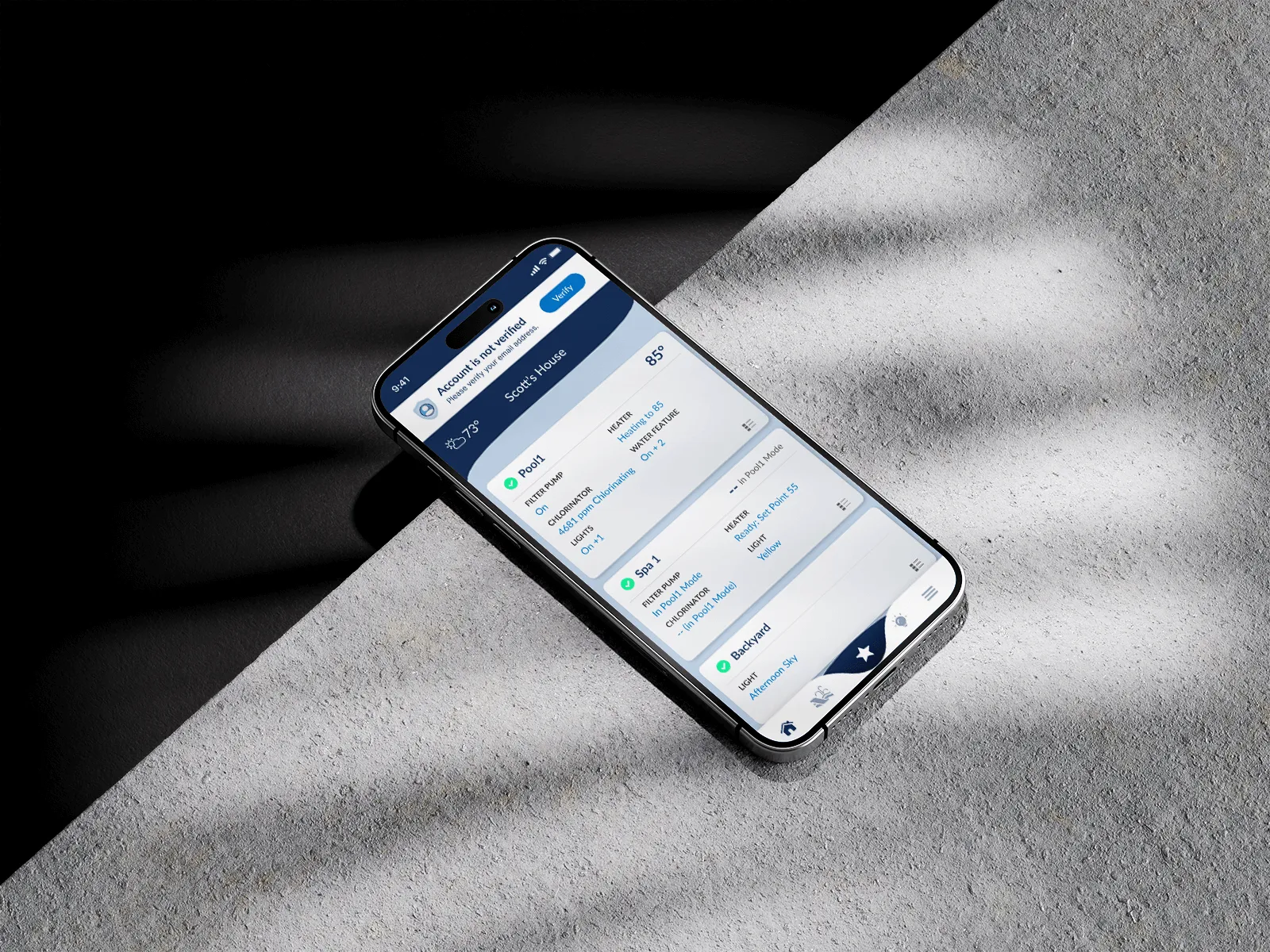
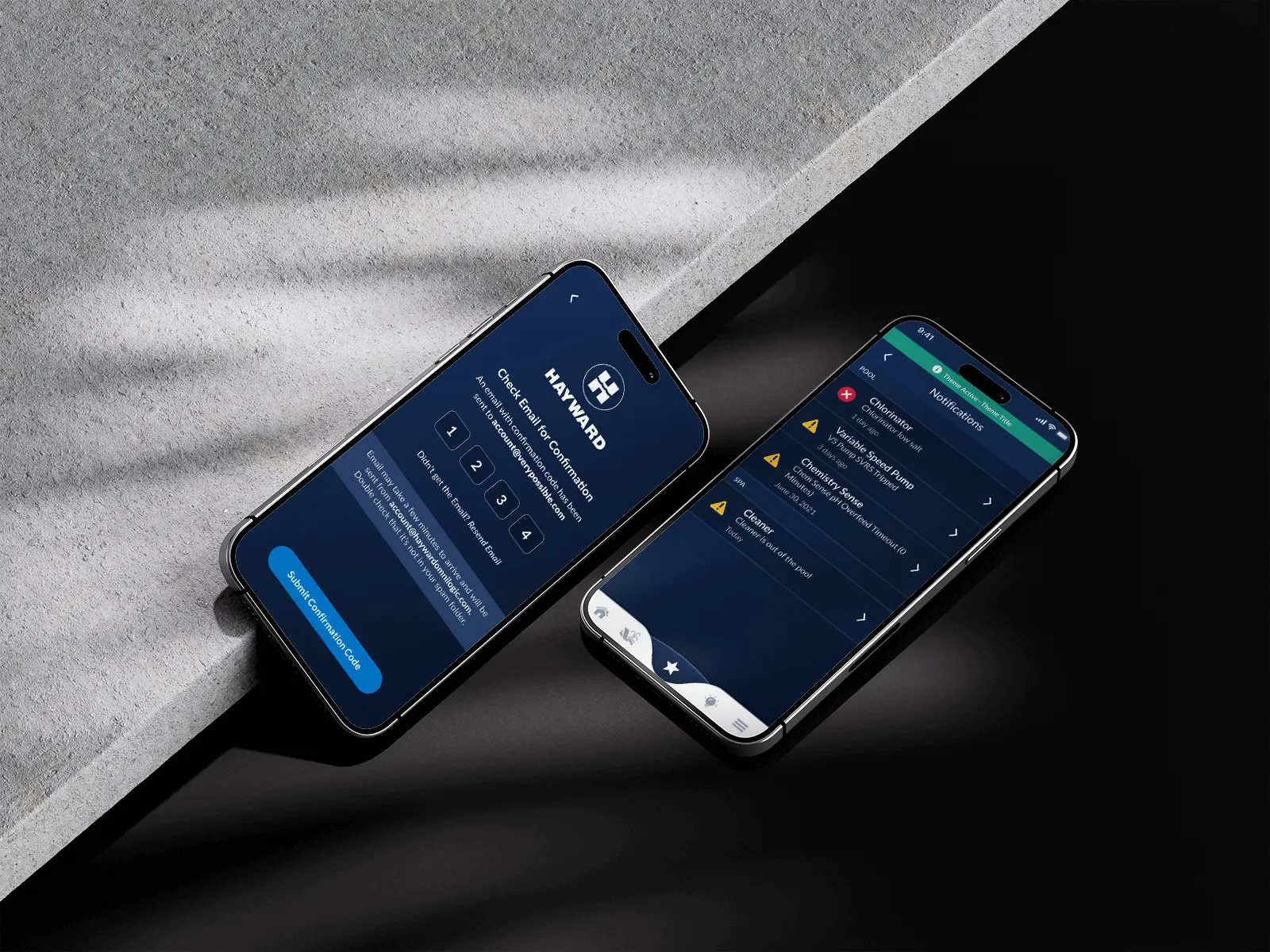
The obvious call exposed every setting. I designed for the one thing an owner came to change.
I mapped the flows before touching a screen
I ran the workshops first, then read the research Hayward had already done rather than starting my own. Mapping every flow before drawing a screen is what catches a dead end early, while it’s still a box on a diagram and not a screen already built.
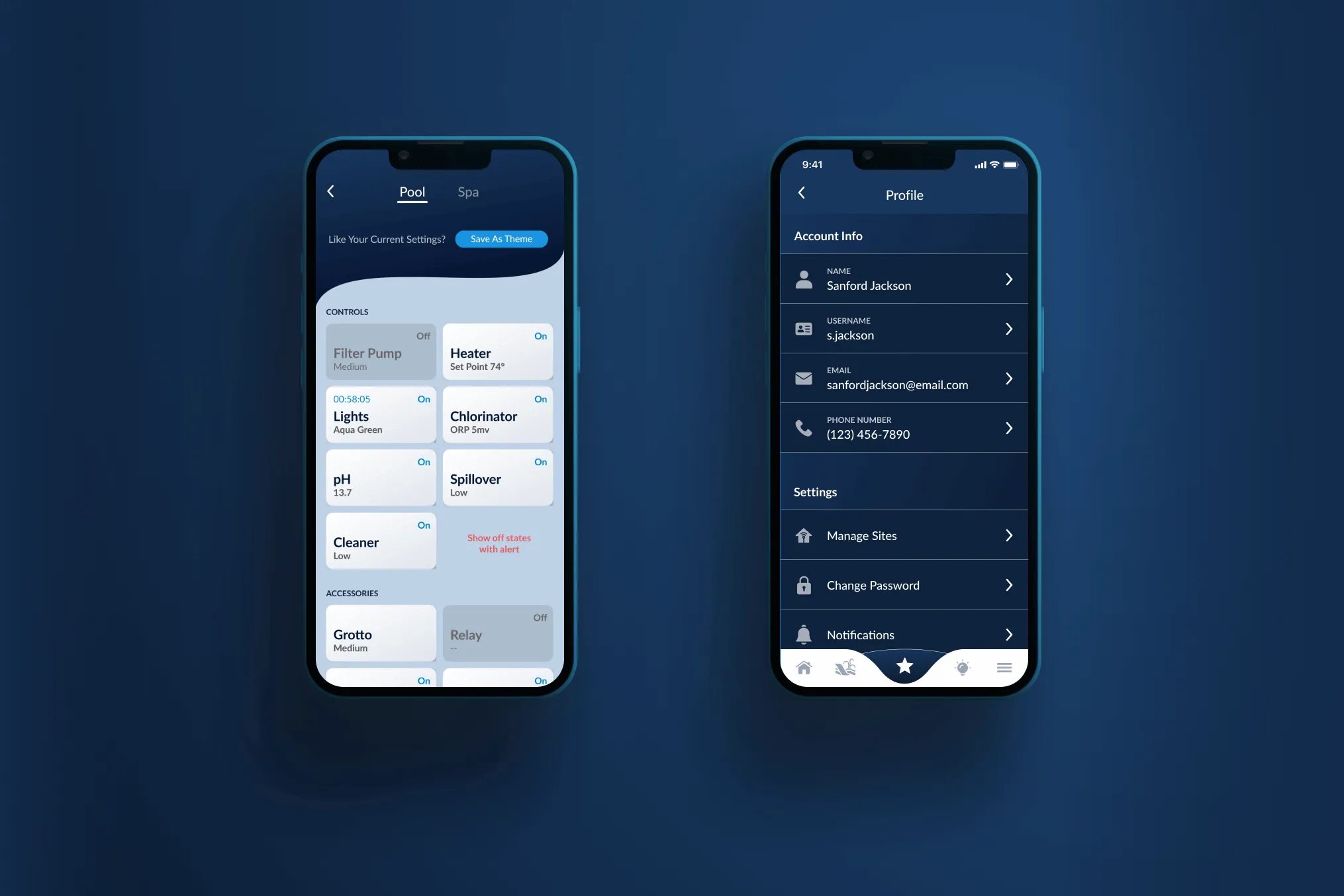
I brought heating, lighting and pump schedules to the surface, and pushed configuration one level down.
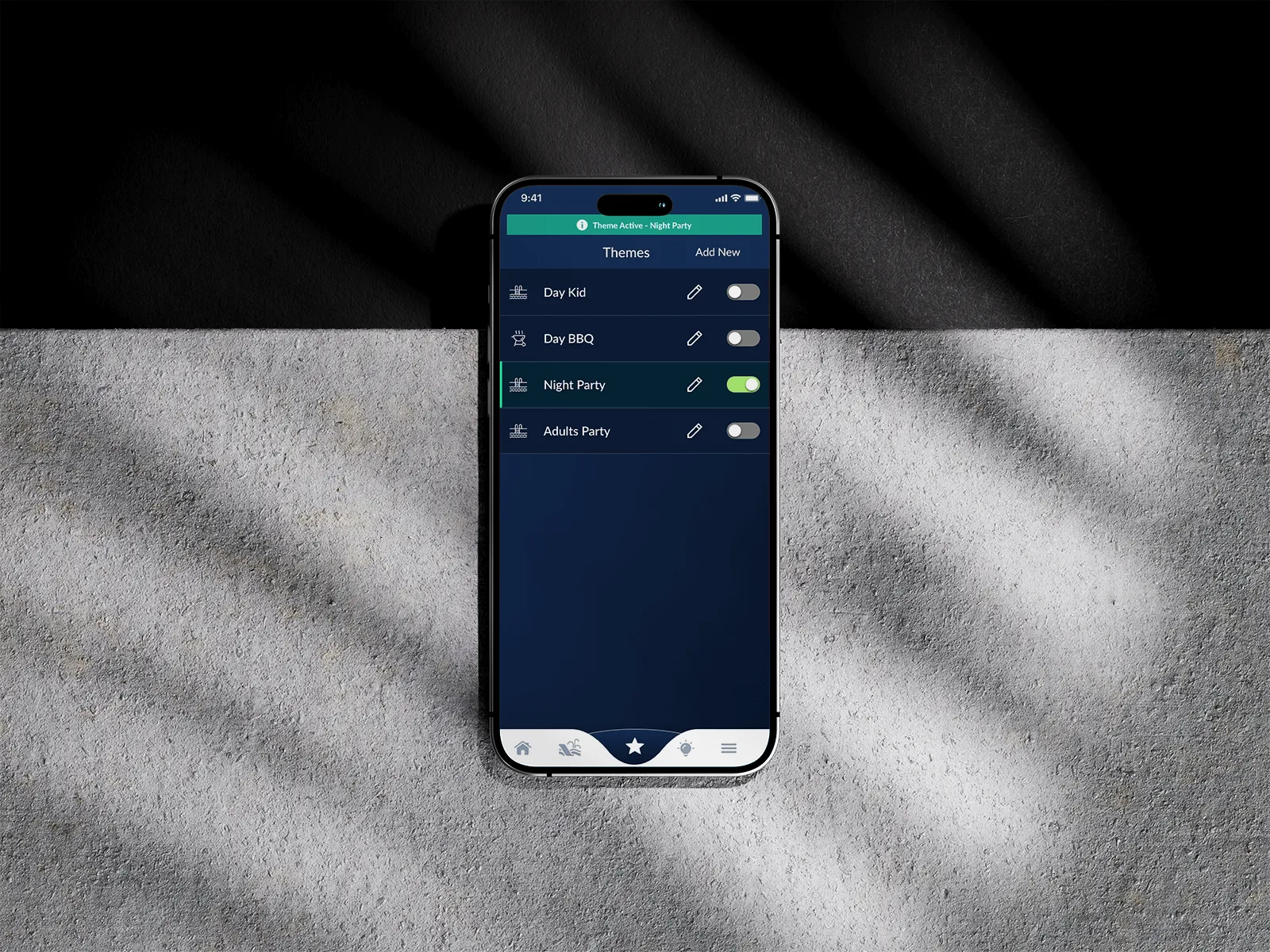
Themes make more time-consuming configurations possible. A setup saves under a name you already use, so Night Party is one tap instead of a pass through the pump, the heater and three light zones.

Designing in Figma, coding in React Native
Once I finished the designs, I started building out the React Native components. Components would have multiple states and props, and then I would work alongside various engineers to put them in place. My work lived in the app, not just in the design.